Failed to acquire a license to enable the Wonderware Development Studio

Hello everyone , 

this morning when i tried to open my IDE "System platfrom" i got this Pop up : 
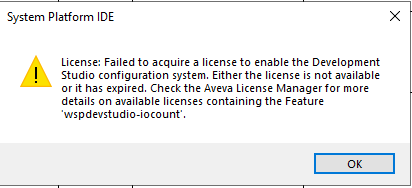


Failed to acquire a license to enable the Wonderware Development Studio configuration system. Either the license is not available or it has expired. Check the Aveva License Manager for more details on available licenses containing the Feature 'wspdevstudio-iocount'.


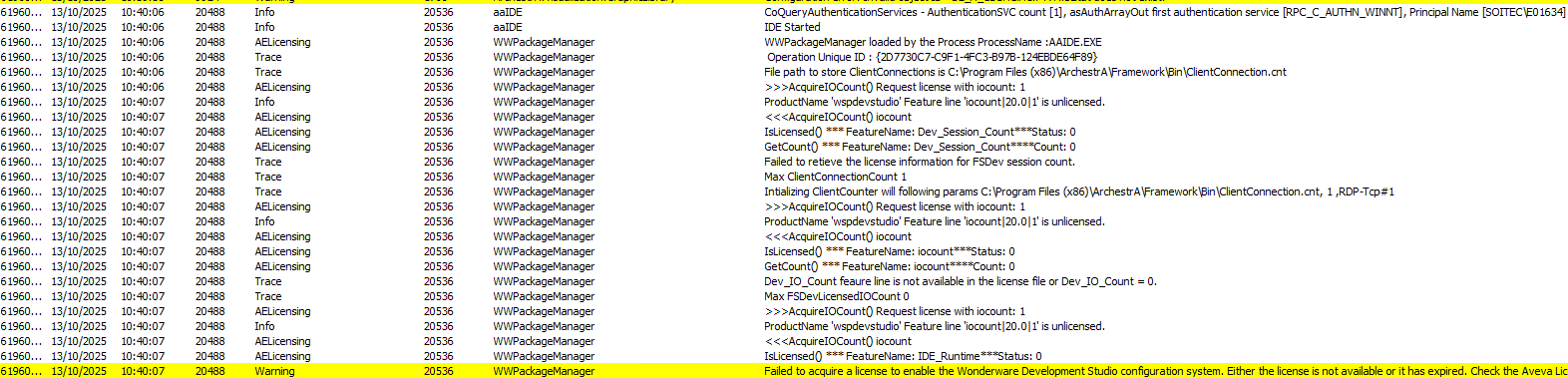
i don't know the real reason of that , after i ve checked my SMC logs i got this  its talking about : "Failed to retieve the license information for FSDev session count." , but its funny cause in my licence manager i didn't found anything strange , all my licences are avaliable , 

btw For your information : my license manager is installed in another Node "Different from my GR Node"

:

Thank you for your helps!!! 

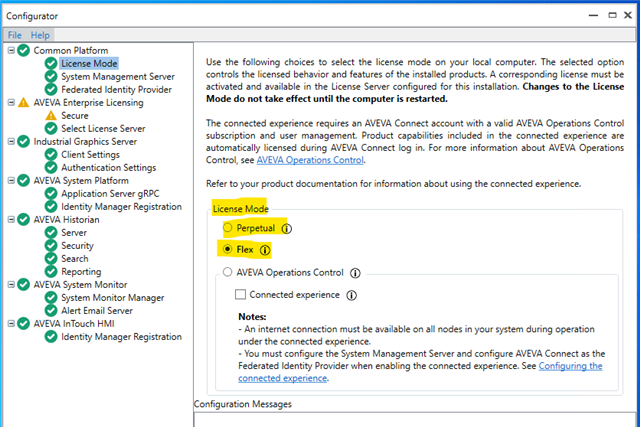
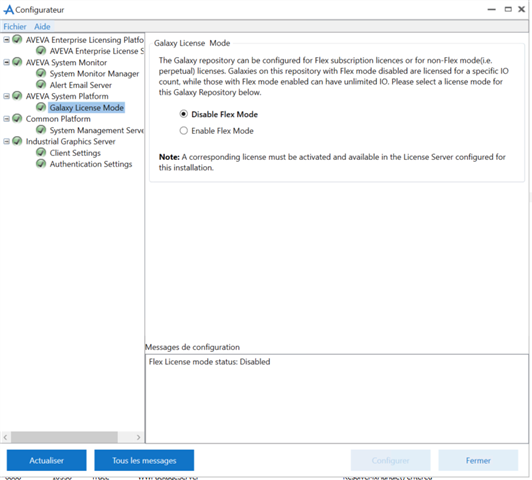
  • Is your license a perpetual or flex type license? Currently it looks like you may have a flex license, and your configurator license mode is set to perpetual or maybe the other way around. In the configurator is where you can set the license mode based on the type of license you have.


    If the above is correct, then try restarting the aaGr and aaGlobalDataCacheMonitorSvr services.

  • Hey   !  thank you for your help

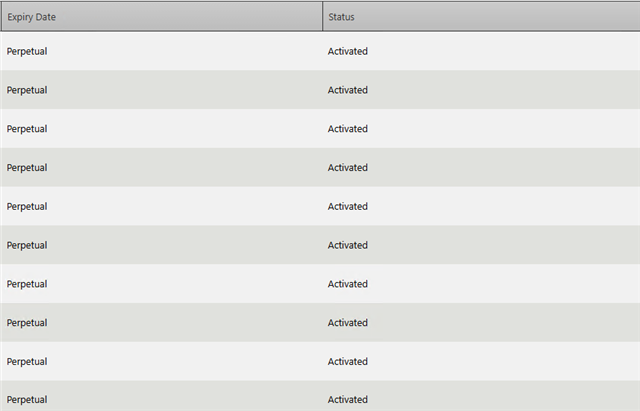
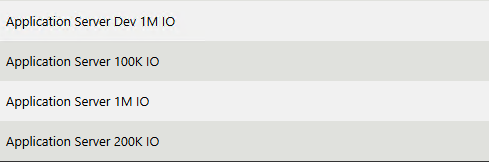
    my licences are Perpetual : 

    i also tried to Restart the aaGR and aaGlobalDataCacheMonitorSvr : still have same Problem :(

  • Hi  ,

    I'd recommend reaching out to AVEVA Technical Support to help troubleshoot this further.

    It might also be useful to gather the following information:

    - System Platform version

    - AEL version

    - License details (what type of license is activated and the Component Name, Part Number)

    - Any recent changes to the system (software updates, windows updates?)

    There might be some confusion in the community due to naming conventions used, but this is not related to the AVEVA Development Studio (cloud based CONNECT product). It is related to the System Platform product and the license check it does on startup.

    Kind regards

    Olivier

  • Hello!

    We are facing similar license issues with the IDE on a newer version of AVEVA System Platform. The popup and SMC/OCMC logs refer to the 'wspruntime-iocount' feature, which is similar to the 'wspdevstudio-iocount' feature in the original post. Has anyone found a general solution to these types of problems?

    We are seeing the following error messages: "Failed to acquire a license to enable the System Platform Runtime system. Either the license is not available or it has expired. Check the Aveva License Manager for more details on available licenses containing the Feature 'wspruntime-iocount'." / "Failed to acquire a license to enable the System Platform Runtime system. Either the license/server is not available or it has expired.".

    In the backstage of the IDE, we can observe that the "FS Dev License" works as expected. The "AppServer License", however, is not acquired.

    We have tested with regular xml dev licenses, with yearly expiry, as well as with loc dev licenses, which expires monthly. When testing with regular xml licenses we have verified that the 'wspdevstudio-iocount' feature is present, http://localhost:55555/fne/xml/features?:

    Any information which might help us with this problem would be greatly appreciated!

  • We too are experiencing this issue.  Changing to Flex and back to Perpetual with restarts has not worked. Adding the license key again has not worked either.

  • Hi, !

    Have you been able to resolve your issue?

    We have also, among other things, changed the license mode, performed reboots, and re-added the relevant licenses. Unfortunately, these efforts have been unsuccessful thus far.

  • Sorry, been out of the office for a week.  I was able to correct the issue by updating to license server 4.2.1 from 4.1.  This worked with a reboot and no other configuration changes were needed for SP to get the correct license and work as it should.

  • Thanks for the update, !

    That is very useful information. I appreciate you taking the time to follow up and sharing your solution.